

If you are comparing event management software with an event planning platform, start with the work your conference requires. The names are often used interchangeably. Neither one guarantees a particular set of features.
The practical question is whether a tool can support your event from initial planning through registration and on-site operations. For a small, straightforward conference, registration and check-in may be the main requirements. For a multi-track conference with speakers, sponsors, exhibitors, and many attendees, you may also need a shared place to coordinate the program and the people delivering it.
What do the terms mean?
Event management software usually describes technology for handling event operations, such as registration, attendee communications, check-in, and reporting. Some products also support schedules, speakers, exhibitors, and other planning tasks.
Event planning platform often emphasizes the collaborative work of building and coordinating an event. That may include creating an agenda, assigning rooms and speakers, collecting session information, and publishing event details. But the label alone does not tell you whether registration or on-site check-in is included.
Industry descriptions use the terms in overlapping ways. For example, IMEX’s overview of event management software describes a hub for managing the event lifecycle, while run.events’ event planning page includes registration, agenda building, speaker management, and expo coordination.
Treat the labels as a starting point, not a specification. Review the features and workflows you will actually use.
How the two approaches compare
| Area | Event management software | Event planning platform |
|---|---|---|
| Common emphasis | Registration, communications, check-in, and reporting | Agenda, speakers, rooms, and collaborative planning |
| Potential strength | Managing attendee-facing and operational tasks | Coordinating event content and contributors |
| What to verify | Depth of schedule, speaker, and exhibitor tools | Registration, payment, badge, and check-in capabilities |
| Best fit | Events with well-defined operational needs | Complex programs with many stakeholders and moving parts |
This is a general comparison, not a rule. Some systems focus on one part of the event, while others combine planning and operations. A conference product may include both approaches under either name.
What a complex conference needs
A conference with several tracks is not just a ticket page and a list of sessions. It involves connected information: attendees register for the event, speakers are assigned to sessions, rooms must be available, sponsors receive agreed benefits, and staff need current instructions on-site.
When these details live in separate tools, organizers may have to enter the same information more than once or check several sources before making a change. That can make it harder to keep schedules, public event pages, and staff plans aligned.
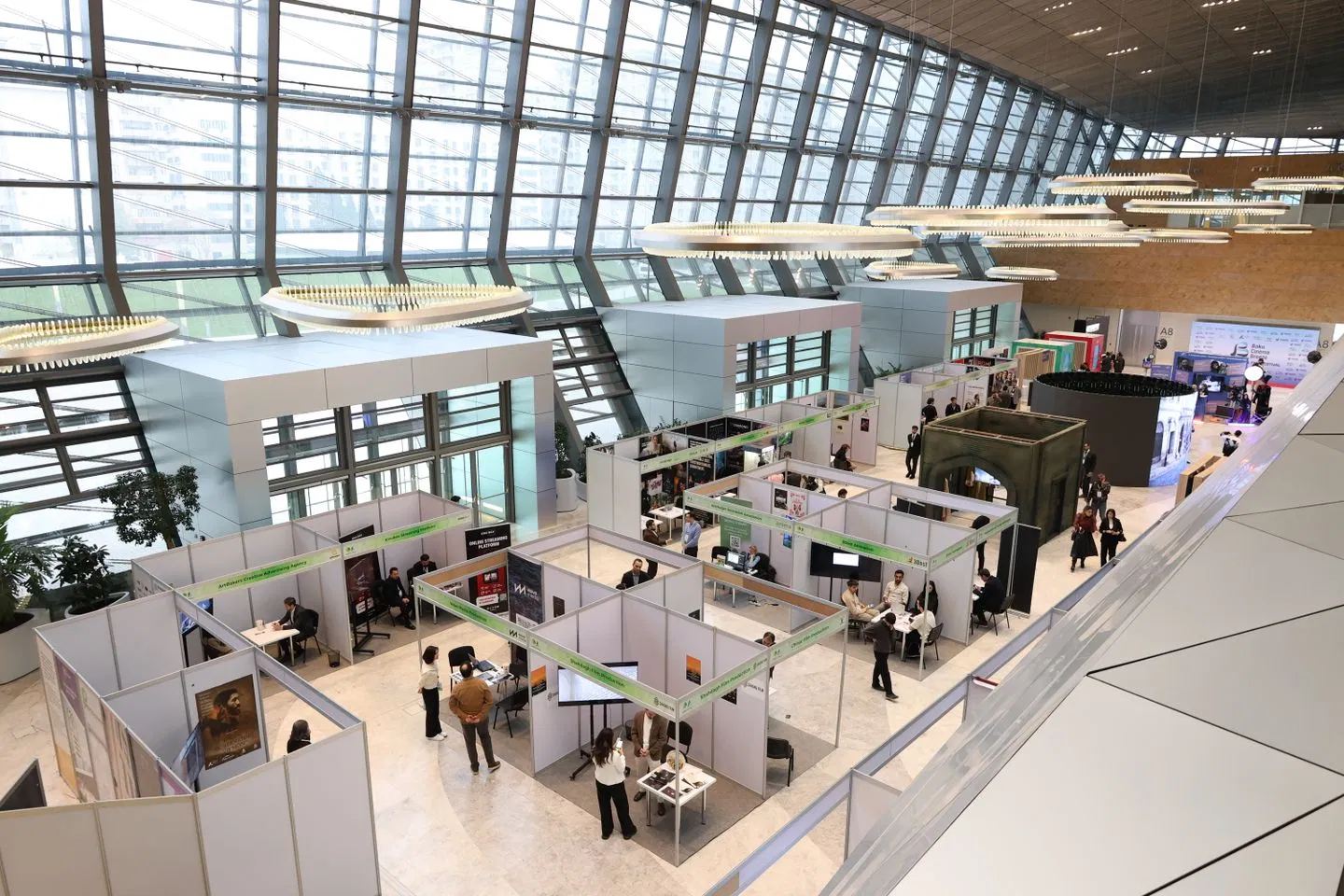
For a conference with exhibitors and sponsors, consider whether the software supports the work behind the event floor. Look for a clear way to coordinate exhibitor details, sponsorship commitments, booth information, and related deadlines. If those tasks matter to your event, confirm they are included in the product you are evaluating.
Features to assess before choosing
Registration and attendee records
Check whether you can set up the ticket types and registration questions your event needs. Consider different attendee groups, custom fields, and the steps that follow registration, such as confirmations and check-in.
Also confirm where attendee information is stored and how your team can access or export it. Registration is more useful when the resulting records can support the rest of the event workflow.
Schedule and room planning
For a multi-track program, check whether you can build schedules across multiple days, tracks, and rooms. Find out how the system handles session changes and whether your public event information can stay aligned with the internal schedule.
Ask your team to try a realistic change during a demo. For example, move a session to a different room and see what needs to be updated.
Speaker coordination
Speaker management may involve more than storing names and biographies. Your team may need to collect session details, assign speakers to talks, track missing information, and share schedule updates.
Consider how speakers contribute information and how your team will keep those details current. The right level of support depends on your process and the number of speakers involved.

Exhibitor and sponsor coordination
If your conference includes an expo, look for ways to organize exhibitor and sponsor information alongside the broader event plan. Depending on your needs, this could include booth assignments, package details, commitments, and deadlines.
Ask which exhibitor or sponsor functions are included in the product and which, if any, require an add-on or separate system.
Check-in and on-site operations
Registration does not end when an attendee submits a form. On event day, staff need a reliable way to find attendees, check them in, and handle exceptions such as walk-ins or incorrect details.
Review the check-in process with the devices and staffing you expect to use. Confirm how updates made before the event reach the on-site team, and what options are available if connectivity is unreliable.
Team coordination and data access
A shared system can help teams work from current event information, but the access model matters. Ask how your organization’s workspace is separated from other customers’ data and how team permissions are managed.
Clarify what information you can export and which integrations are available. This helps you understand how the software fits with your existing tools and how you can retain access to event records.
How to decide what fits your conference
Use these steps to compare tools based on your event rather than their marketing category.
Map the event. List attendee types, ticket rules, sessions, tracks, rooms, speakers, sponsors, exhibitors, and on-site tasks.
Separate essentials from extras. Mark which capabilities your team must have in the same system and which can reasonably stay elsewhere.
Test real workflows. Build a sample registration, make a schedule change, and walk through attendee check-in. Include the team members who will use each part.
Check the handoffs. Find out whether attendee, session, and exhibitor information carries through the process or needs to be entered again.
Review the practical details. Confirm pricing, setup requirements, support, integrations, access controls, and data export before making a decision.
A demo should reflect your conference’s actual needs. A product can appear capable in a feature list but still require extra manual work in a workflow your team uses every day.
Which is better for your next conference?
Choose based on operational fit, not terminology. If your conference is straightforward and your main needs are registration and check-in, software focused on those tasks may be sufficient.
If you are managing multiple tracks, speakers, exhibitors, sponsors, and on-site teams, look for a system that connects planning with event operations. An integrated workspace can make it easier to manage event details across the lifecycle, but verify that its specific tools match your processes.
Gathersmith is built for conferences, expos, and conventions that need registration and event operations in one workspace. It supports ticket types, multi-track schedules, speaker and exhibitor coordination, room planning, QR code badges, check-in, team tasks, and public event pages. Each organization has its own private tenant, keeping its workspace separate. Learn more at Gathersmith.

Questions to ask during a demo
Does the product support multi-track schedules?
Ask the vendor to show how tracks, rooms, speakers, and sessions are created and updated.
Can registration information support on-site check-in?
Confirm how attendee records move from registration into the check-in process and how staff handle exceptions.
Are exhibitor and sponsor workflows included?
Ask for a clear list of what is available in the product and what requires another tool or add-on.
Can our team export event data?
Confirm which records can be exported, in what format, and whether integrations are available for your existing systems.
How is our organization’s data separated?
Ask how the product isolates workspaces and manages access for team members.
The best choice is the one that fits the event you are organizing and gives your team a clear way to manage the work from planning through event day. Start with your workflows, test them in the product, and let those results, not the label, guide your decision.
Explore this topic
Gathersmith feature overview — Evaluate the actual tools rather than the software label.
Conference event management — Explore connected conference planning and operations.
Current editions and pricing — Compare the latest inclusions and admission allowances.
Try the event demos — Use fictional workflows to assess your requirements.