
Conference & expo event management software
Get every part of your event ready.
Before the doors open. After they close.
Built for lean conference and expo teams. Connect registration, speakers, sponsors, exhibitors and crew in one workspace—so you know what’s missing, who owns it and what happens next.
Explore fictional example events in a private demo. No Gathersmith account required; email access instructions are on the demo page.

Less chasing. More confidence.
See all features
Plan the event and run the team
Tasks, owners, team positions and draft events in one plan, so everyone can see what needs doing and who owns it. Learn more about plan the event and run the team

Register, badge and check in attendees
Ticket sale windows, registration review, badges and QR check-in, so your team knows who is confirmed and who has arrived. Learn more about register, badge and check in attendees
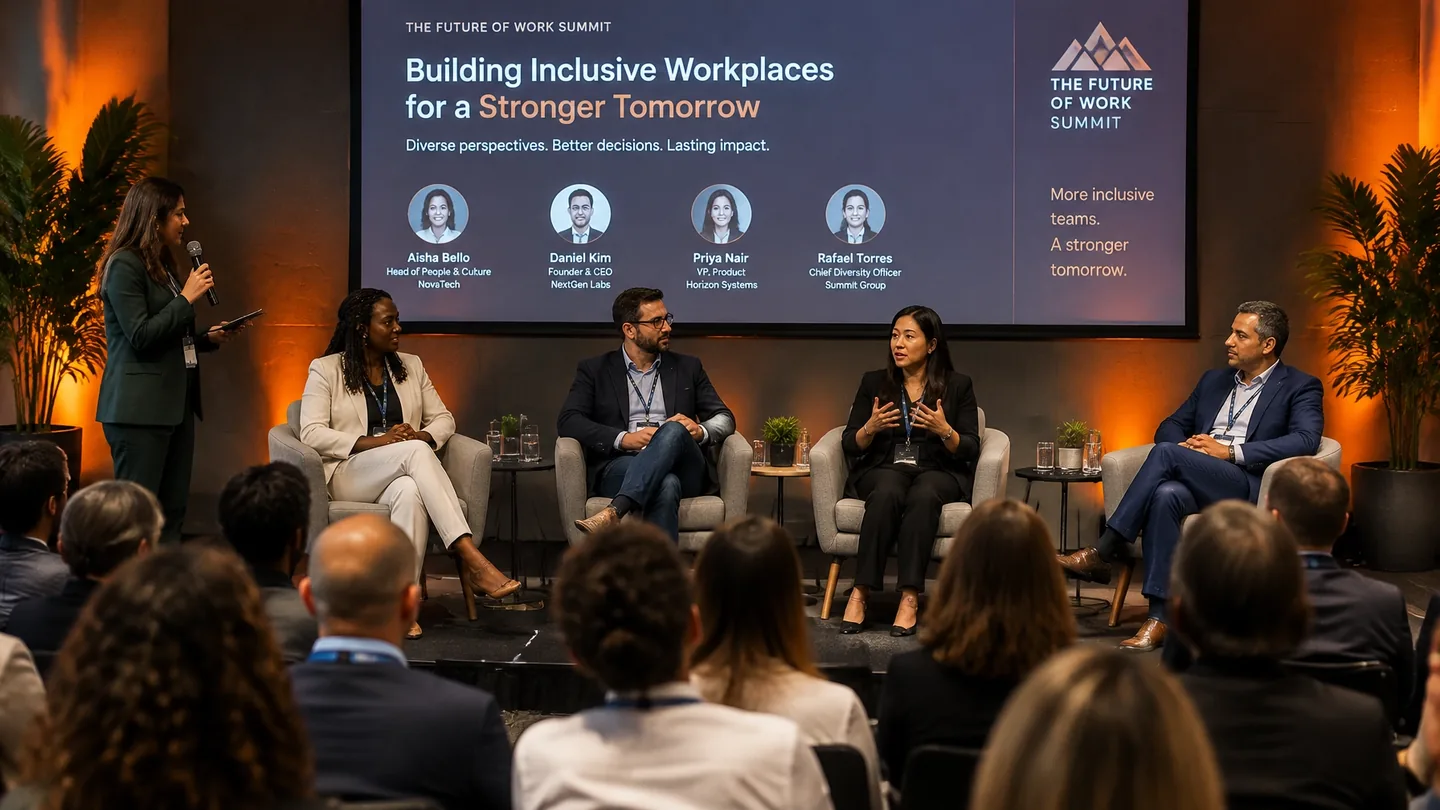
Coordinate schedules, speakers and partners
Tracks, sessions and speaker reviews alongside sponsor and exhibitor benefits, so commitments are visible before event day. Learn more about coordinate schedules, speakers and partners
Everyone your event depends on
Six kinds of people. One shared plan.
Events are made of people with different jobs to do. Gathersmith gives each of them the right view, while your team keeps the whole picture.

Organizers
One overview of what is late, what is next and who owns it.
See the tools for organizersAttendees
A clear event site, simple registration, a badge and an agenda in their pocket.
See the tools for attendeesSpeakers
Submissions, reviews and session details from the same records the public sees.
See the tools for speakersSponsors
Packages and benefits tracked as delivered or outstanding, with self-service access.
See the tools for sponsorsExhibitors
Measured booths, requirements, staff names and permitted lead capture.
See the tools for exhibitorsCrew and vendors
Positions, load-in windows, venue documents and supplier responsibilities.
See the tools for crew and vendors
How it works
From first draft through follow-up
Six stages, one workspace. Each record you create early is the same one your team uses on the day and reports on afterwards.
- Stage 01
Draft the plan
Open a private workspace, clone a past event as a draft and give every task an owner.
Learn more about draft the planExampleIllustrative example view with fictional data. - Stage 02
Shape the program
Tracks, rooms and sessions. Run a call for speakers and move accepted talks onto the schedule.
Learn more about shape the programExampleIllustrative example view with fictional data. - Stage 03
Publish and register
A public event site with schedule, speakers and registration. Each sign-up becomes a reviewable record.
Learn more about publish and registerExampleIllustrative example view with fictional data. - Stage 04
Badge and check in
Admission-pass scans or authorized name lookup at the door, badges for attendees and a live view of who is still expected.
Learn more about badge and check inExampleIllustrative example view with fictional data. - Stage 05
Run the floor
Partner readiness, measured booths and exhibit maps so commitments land before load-in.
Learn more about run the floorExampleIllustrative example view with fictional data. - Stage 06
Wrap and follow up
Summarize and export what was actually recorded: registrations, check-ins, partner delivery and budget.
Learn more about wrap and follow upExampleIllustrative example view with fictional data.

Sponsors and exhibitors
Deliver what you promised partners, booth by booth.
Keep each partner's package, benefits, staff and requirements together. Plan halls with measured booth spaces, assign exhibitors and publish selected floorplans for attendees while drafts stay private.
- Benefits tracked as delivered or outstanding
- Partner self-service without exposing your workspace
- Consent-based badge-scan lead capture
The attendee side
A public home for the event, and a companion in their pocket.
Publish your own event websites with schedules, speakers, galleries and selected floorplans. Attendees can browse event information and join activities from their phone’s browser, with the Gathersmith mobile companion coming soon.
Event websites
Schedule, speakers, galleries and media, registration and published exhibit maps.
Public sites and communityThe Gathersmith mobile companion
Coming soonOne companion app with the agenda and session details inline, plus saved public guides to return to.
Event digital signage · Optional add-on
Venue screens that follow your published program.
Lobby arrival guidance, room now-and-next, exhibit hall promotions and a full team schedule, each screen showing the version meant for its audience, with your logo and sponsor banners.
Explore digital signageAttendee engagement & gamificationPilot
Give people a reason to explore, respond and share.
Bring gamification to your event with challenges and sponsor or exhibitor discovery, alongside feedback, display activities and photo sharing. Five attendee engagement options your attendees join from their phone in a mobile browser, with the Gathersmith mobile companion coming soon. You choose one, several or all of them for each event, and each stays off until you switch it on.
Challenge progress
Attendees see which stops they have completed, what is left and when each challenge closes. Your team reviews completed claims and decides any recognition.
Sponsor and exhibitor discovery
Point people toward the partners you select. A quick scan of a booth code records the visit toward their challenge, so partners meet people who came looking for them.
Session feedback
Short surveys appear alongside the sessions they belong to, so attendees can respond while the session is fresh.
Display activity invitations
Screens around the venue invite people to join with a scannable code and show overall activity totals. No names and no leaderboard.
Moderated event photo wall
Attendees share their view of the event. You approve what appears, and where it may be shown is chosen separately.
ExampleFictional photo path. Approval and each sharing place are separate choices. - Every photo waits for your review
- Participants can withdraw their photo
- Website and displays each need their own consent and opt-in
Your event, your mix.
Turn on only what suits your audience, set which sponsors and exhibitors take part, and decide where approved photos may appear. Nothing goes public on its own, and screens show totals, never names or rankings.
Public sites and communityBuilt for many moving parts
Conferences, expos, conventions, and the agencies behind them.
Conferences
Multi-track schedules, speaker records, session rooms and session check-in.
Expos and trade shows
Partner packages, measured halls and booths, and permitted lead capture.
Conventions
Large attendee lists, badges, check-in, networking profiles and announcements.
For agencies
Every client in its own workspace.
Run several clients side by side without mixing their events, people or settings. Reuse your templates and role structures across all of them.
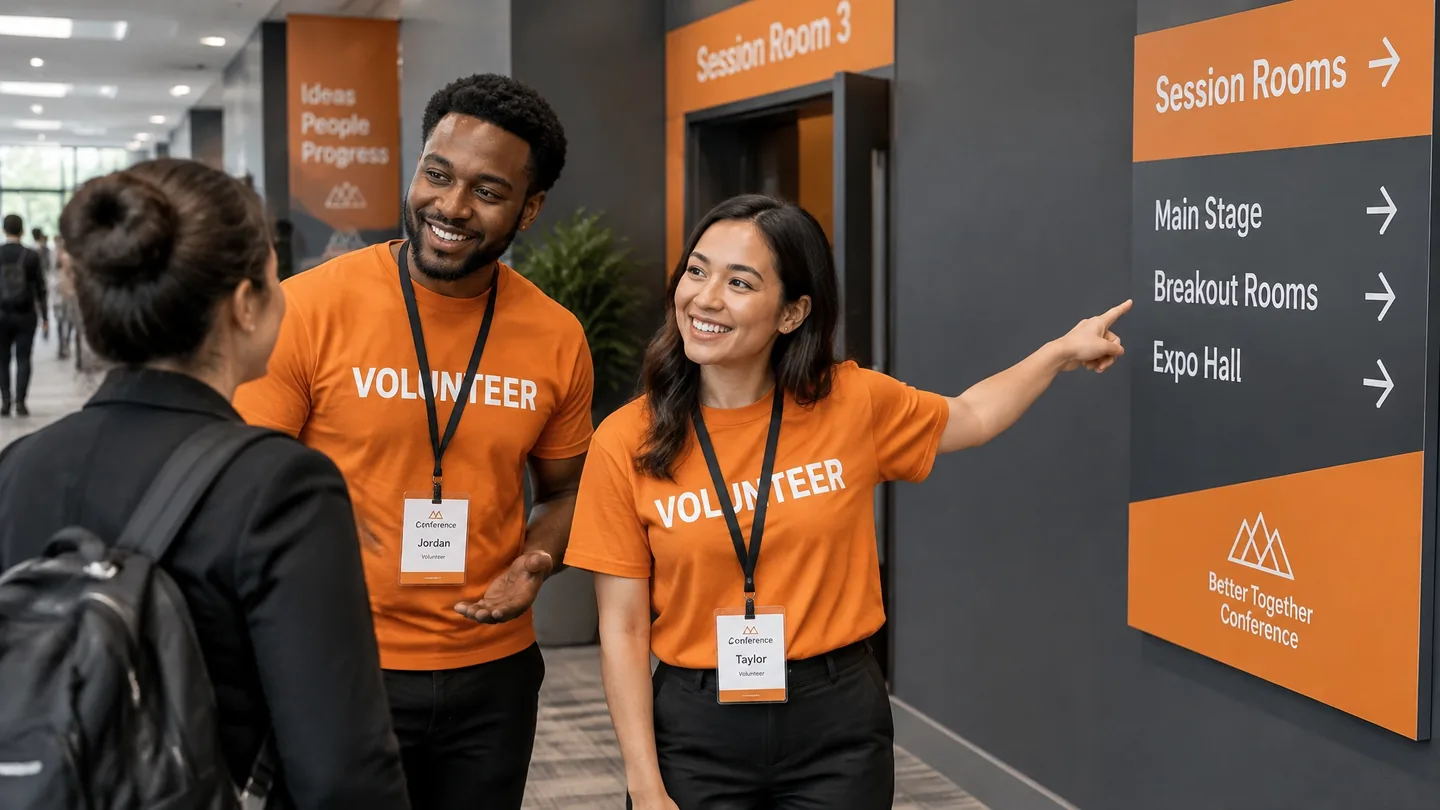
Add what you need
Optional budgeting, an event store and reports.
Plan income and expenses with paid and unpaid items kept separate, offer physical and digital products through an optional store, and export the event wrap from what was recorded.
Works with the tools you already use.
Send event updates to Zapier or Pabbly Connect, contacts to HubSpot, snapshots to Google Sheets, dates to your calendar, and connect your own Mailchimp, Brevo or MailerLite account. You choose what is shared.
 Zapier
 Pabbly Connect
 HubSpot
 Google Sheets
 Google Calendar
 Mailchimp
 Brevo
 MailerLite
Brand names and logos belong to their owners and indicate supported connections, not endorsements.
Explore integrationsQuestions, answered
What is Gathersmith?
Gathersmith is event registration and operations software for conferences, expos and conventions. Organizers build an event, publish a public event page, take registrations and coordinate attendees, sponsors, exhibitors, speakers, vendors and crew in one workspace.
How do registrations work?
Each published event has a public page with a registration form. When someone registers, Gathersmith creates an attendee record in the organizer's workspace. The organizer's team reviews registrations, updates status, issues badges and checks people in at the event.
What are engagement pilots?
Organizers can choose attendee engagement options, including gamification through challenges and sponsor or exhibitor discovery, alongside session feedback, display activities and a moderated photo wall. They are offered as pilots, so each organization decides whether and where to use them.
Which tools can I connect to Gathersmith?
Send event updates to Webhooks by Zapier or Pabbly Connect, export contacts to HubSpot and participant snapshots to Google Sheets, and use Google, Outlook or Apple calendar options. Connect your own Mailchimp, Brevo or MailerLite account for marketing.
Do integrations automatically subscribe my attendees to marketing?
No. You choose your own connected account, destination and permitted exports. Registration never automatically enrolls someone in marketing; confirmation, campaigns and unsubscribes remain with your marketing provider.
What is a workspace or tenant?
A workspace is a private space for one organization. Everything created in it, including events, attendee records, sponsors and team members, is visible only to that organization's team according to the roles they are given. Agencies can run separate client workspaces.
Which events are listed on this page?
Only events that their organizers have published. Draft events, private records and sample demo data are never listed.
Can I try it before creating a workspace?
Yes. Choose a fictional example event and provide your email, then follow the access instructions. When email verification is enabled, we send a one-time link. No Gathersmith account is required. Your private sandbox edits are isolated from other visitors, last 24 hours and can be reset at any time.
See your team in it.
Explore an example event, find the edition that fits, or create a private workspace for your team.
Photography on this page is AI-generated illustration. The people and events shown are not real customers or Gathersmith events.